
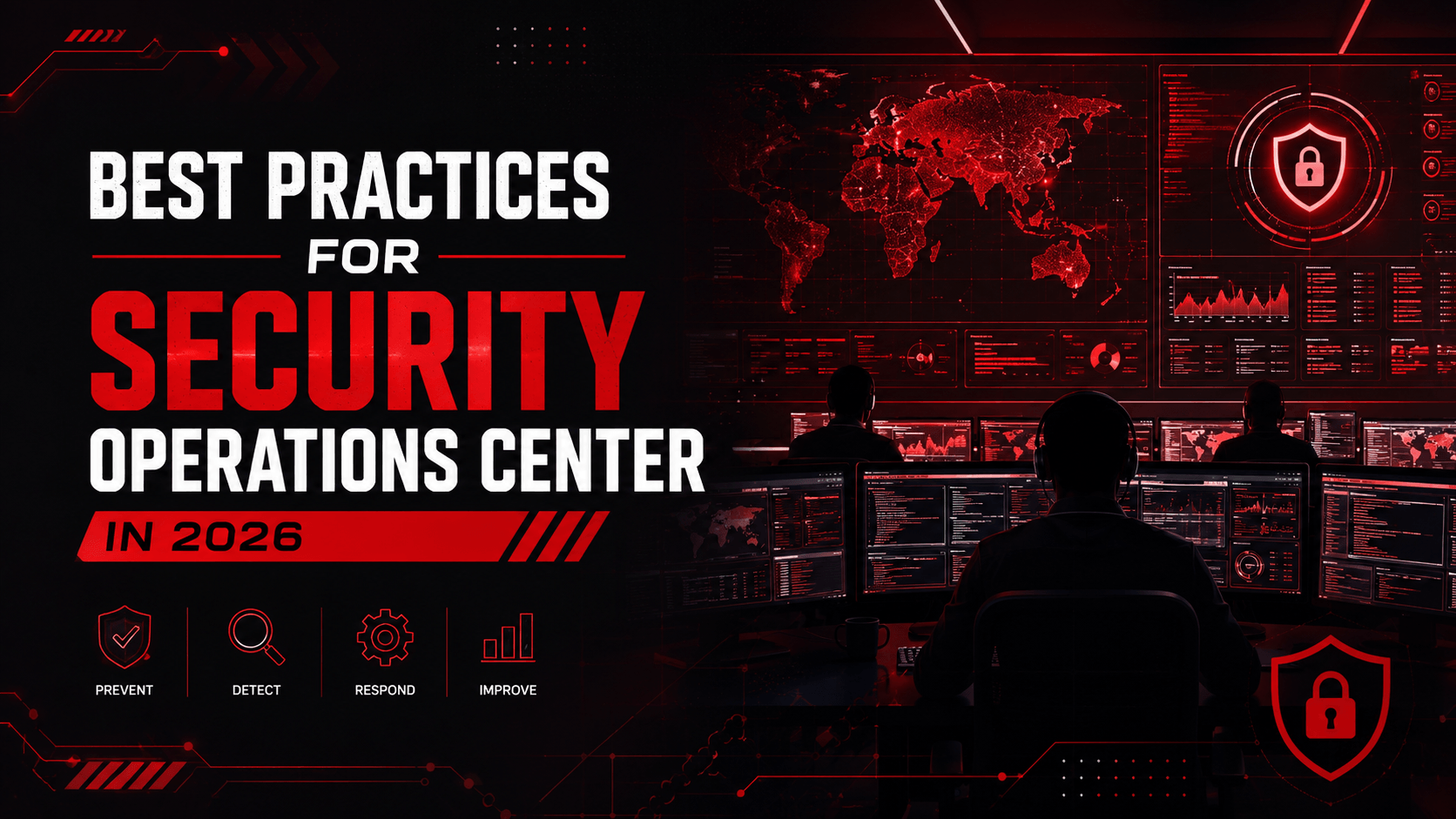
Enterprise Wi-Fi Security for Connected and IoT-Enabled Workplaces
The Evolution of AI in image enhancement
Venenatis sollicitudin posuere elit consequat et enim. Neque tortor amet dictum tempor. Leo facilisis aliquet viverra scelerisque eleifend viverra est. At massa erat vel amet enim laoreet dictum pellentesque. Urna cursus quam pulvinar tellus. Duis fermentum nibh volutpat morbi. Et ac sed ultricies ut nunc sodales lectus.
Et urna ac et maecenas fusce amet. Nibh nec commodo massa sed. Tincidunt porttitor in pharetra egestas sit neque ac lacus. Amet a nunc et cum. Odio at volutpat volutpat in leo eget ipsum diam elementum. Erat magna arcu orci lorem senectus orci fringilla. Tincidunt metus nisl vitae maecenas pretium aliquet. At id pharetra in.
- Morbi fringilla molestie magna sed dictum. Praesent pharetra turpis augue.
- Cras mi purus, viverra vitae felis sit amet, tincidunt fringilla lorem.
- Non mattis urna ex nec sem. Donec varius diam et suscipit venenati.
- Quisque euismod posuere lacus sit amet volutpat. Praesent vel imperdiet.
Challenges and limitations of AI image upscaling
Quis faucibus massa sit egestas. Sit fermentum est ac pulvinar et sagittis sed sit ut. Quis faucibus aenean nibh vestibulum enim mi sit. Sollicitudin ultrices ultrices in ipsum urna fringilla massa leo. Sapien ultricies vitae rhoncus molestie purus.
Quis faucibus massa sit egestas. Sit fermentum est ac pulvinar et sagittis sed sit ut. Quis faucibus aenean nibh vestibulum enim mi sit. Sollicitudin ultrices ultrices in ipsum urna fringilla massa leo. Sapien ultricies vitae rhoncus molestie purus. Urna urna dolor euismod porttitor et. Magna adipiscing dictum et adipiscing mollis.
Understanding the basics of image upscaling
Cursus curabitur euismod vel fermentum sapien non dolor odio vel. Tortor lectus mauris in praesent a tincidunt nam. In aenean odio aliquet pretium viverra elit quis magna. Eget ut risus posuere velit purus nisi nec sollicitudin. Tellus enim interdum neque sit vestibulum lacus. Nam pulvinar a lectus justo aliquet integer amet.
“Sed id mi eget urna facilisis pharetra. Nunc viverra est at magna maximus consectetur. Sed nec maximus augue. Aliquam commodo sem eu.”
Cursus curabitur euismod vel fermentum sapien non dolor odio vel. Tortor lectus mauris in praesent a tincidunt nam. In aenean odio aliquet pretium viverra elit quis magna. Eget ut risus posuere velit purus nisi nec sollicitudin. Tellus enim interdum neque sit vestibulum lacus. Nam pulvinar a lectus justo aliquet integer amet.
Real-world applications of AI image upscaling technology
Sed non quis tellus velit orci. Quam sed mauris elementum tempor viverra. Luctus semper risus ipsum id diam praesent. Pretium eget mauris ultrices curabitur sed sem amet. Erat nulla habitant in mattis massa mi adipiscing ullamcorper.
- Morbi fringilla molestie magna sed dictum. Praesent pharetra turpis augue.
- Cras mi purus, viverra vitae felis sit amet, tincidunt fringilla lorem.
- Non mattis urna ex nec sem. Donec varius diam et suscipit venenati.
- Quisque euismod posuere lacus sit amet volutpat. Praesent vel imperdiet.
Enhancing visual quality: Case studies and examples
Sed non quis tellus velit orci. Quam sed mauris elementum tempor viverra. Luctus semper risus ipsum id diam praesent. Pretium eget mauris ultrices curabitur sed sem amet. Erat nulla habitant in mattis massa mi adipiscing ullamcorper condimentum.
The role of machine learning in image upscaling algorithms
Sed non quis tellus velit orci. Quam sed mauris elementum tempor viverra. Luctus semper risus ipsum id diam praesent. Pretium eget mauris ultrices curabitur sed sem amet. Erat nulla habitant in mattis massa mi adipiscing ullamcorper condimentum. Erat quisque integer tincidunt ac amet tempor vulputate tristique.
Enterprise wireless networks now connect much more than employee laptops and smartphones. Offices depend on wireless meeting-room systems, printers, security cameras, access-control devices, sensors and smart building technologies.
This growth makes enterprise Wi-Fi security essential for protecting business operations. A weak password, insecure device or incorrectly configured access point can create an entry route into the wider corporate network.
A secure wireless environment must verify every user and device, separate different traffic types and continuously monitor unusual network activity.
Why Enterprise Wireless Networks Need Better Protection
A wired connection normally requires physical access to an office or network port. A wireless signal may extend beyond the workplace into reception areas, car parks or nearby buildings.
Attackers may attempt to guess network passwords, copy a trusted wireless name or create rogue access points that appear legitimate. Employees may connect to these fake networks without realising their information could be intercepted.
Effective wireless network security provides visibility into authorised access points, connected devices, user identities and traffic behaviour. Organisations should maintain an updated record of access points, their locations and the systems they support.
Businesses researching how to secure corporate wireless networks should also review whether old devices, unused wireless networks or default configurations remain active. These overlooked elements can weaken the entire environment.
Replace Shared Passwords with Verified Access
A single wireless password shared across employees, contractors and departments is difficult to control. Former employees or visitors may continue using it after their access should have expired.
Strong Wi-Fi access control links every connection to an approved identity or registered device. Employees can authenticate using individual credentials or digital certificates rather than a common password.
This allows the organisation to remove one user without changing access for everyone. It also improves accountability because every wireless session can be connected to a specific identity.
A network access control platform can examine the device before providing access. It may check whether the device is managed, updated and compliant with company security requirements.
Modern networks should use WPA3 encryption where supported. Older encryption standards, default equipment passwords and unnecessary administrative services should be removed.
Separate Employees, Guests and Connected Devices
Placing every device on the same wireless network creates unnecessary exposure. A compromised camera, printer or smart sensor should not provide access to financial applications or employee information.
Through network segmentation, organisations can separate corporate devices, guest users, meeting-room systems, cameras, printers and building-management technologies.
Segmentation reduces lateral movement, where an attacker enters through one weak device and then attempts to reach other systems.
For organisations implementing Wi-Fi security for IoT-enabled offices, connected devices should receive only the communication required for their purpose. A security camera may need access to its management server but should not communicate with finance systems or employee email services.
Protect Connected Devices with Limited Security Features
Many IoT devices use basic operating systems and may not support strong security controls. Some continue operating with default passwords, outdated software or unnecessary internet access.
A practical IoT device security approach should begin by changing default credentials and disabling services that are not required. Devices should receive available firmware updates and remain within isolated network segments.
Security teams should also monitor unusual behaviour. A printer communicating with an unfamiliar external server may indicate a configuration problem or compromise.
Through device authentication, the network can identify what is connecting and decide which level of access should be provided. Unknown devices should not automatically join the trusted corporate environment.
Control Guest and Personal Device Access
Visitors often require internet access, but they should not connect to internal servers, applications or employee devices.
A secure guest Wi-Fi service should operate through a separate network. Guest sessions should use controlled registration and automatically expire after an approved period.
Organisations allowing employees to use personal devices must also consider BYOD security. A personal mobile device may not follow the same security standards as a company-managed laptop.
Access can be adjusted according to device ownership, operating-system status and business requirements. Unmanaged devices may receive internet access or limited application connectivity without being placed inside the trusted corporate network.
This approach supports Zero Trust, where a successful wireless connection does not automatically provide broad access to business resources.
Monitor Wireless Activity Continuously
Wireless security cannot depend on a one-time setup. Access points, devices and configurations change as the organisation grows.
Continuous wireless monitoring helps identify unauthorised access points, repeated login failures, unexpected configuration changes and unusual traffic from connected devices.
Strong network visibility allows teams to understand whether an issue affects one device, one office or the wider organisation.
Wireless events should also connect with SIEM and Security Operations Centre platforms. This improves threat detection when unusual network activity appears alongside suspicious identity, endpoint or application behaviour.
Frequently Asked Questions
Q. What does enterprise Wi-Fi security protect?
A. It protects wireless access points, users, employee devices, guest connections and IoT systems through authentication, encryption, segmentation and monitoring.
Q. Should guest Wi-Fi connect to the corporate network?
A. No. Guest traffic should remain separated from internal applications, databases, servers and employee devices.
Q. How can businesses protect IoT devices using Wi-Fi?
A. Businesses should change default passwords, restrict communication, apply available updates, separate devices from corporate systems and monitor unusual activity.
Conclusion
Connected workplaces need wireless access that remains convenient without exposing critical systems. Effective enterprise Wi-Fi security verifies users, controls devices, separates traffic and detects unusual behaviour before it becomes a wider incident.
FVC helps organisations strengthen wireless environments through secure networking technologies, regional expertise and scalable access controls. Speak with an FVC cybersecurity specialist to assess your wireless coverage, connected devices and existing security gaps.